Convert AVI, ASF, WMV, MPEG, Extract Video from Images
Given that not everyone has the luxury of a 2Mbps broadband connection or a Terabyte hard drive, handling video on a PC is still far from a seamless process. Whether you’re transferring movies over the Internet or merely backing up your home video collection, it’s often difficult to find an adequate compromise between quality, transfer speed and file size. What’s more, different users prefer different video formats depending on the platform they're running and the media player they use. BPS Video Converter sets out to make the crazy mixed-up world of digital video a little easier, allowing you to convert your movies to and from a range of different formats.
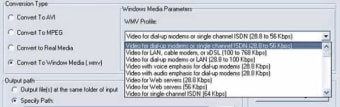
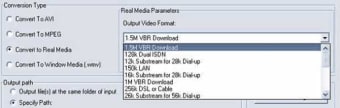
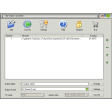
While there’s a decent array of formats to choose from (including AVI, MPEG-1, MPEG-2, WMV, Real etc.), the list of file types is by no means exhaustive and, most notably, BPS doesn’t handle MPEG-4 or QuickTime movies. Still, there’s always a bright side, and in the case of this program it makes up for this by furnishing you with an almighty array of options for the formats that it does support. Through the simple one-pane interface you can select from a range of different compression rates for each format you wish to convert to. This is great to tinker with in order to produce the best quality video and audio at the lowest file size.
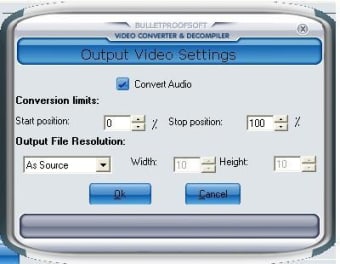
Thankfully the conversion process is pretty quick, meaning that you don’t have to wait an age to discover how the finished video will turn out. Things are made much quicker because the process is easy to use– simply drag and drop your file onto the interface, select your conversion format and compression options then hit a button.
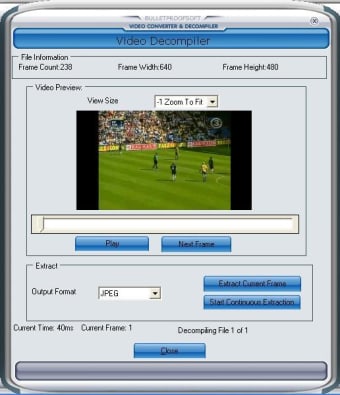
Although basic video editing features are lacking, the application does have another trick up its sleeve. The built-in decompiler lets you grab still images from a video, either by scrolling to the precise frame you wish to capture, or by sequentially snapping every frame of the video. Again, this is a speedy process, and it gives you the option to save to a range of image formats such as JPEG, TIFF or GIF. This is ideal for instantly showing someone what scene you’re referring to via email or on a website, or even for dissecting the cell animation of your favourite Simpsons episode.
As long as you’re not using the MPEG-4 or QuickTime (MOV) formats on a regular basis then BPS Video Converter and Decompiler provides a quick and easy way of converting video. What’s more, the addition of the decompiler serves to bump up the value for money of the application.